x86-16 개발환경 설정 방법
1. MASM 6.11 다운로드
POCU에서 제한 MASM 다운로드
2. 소스 파일을 넣을 폴더 준비
.ASM 파일을 저장할 폴더를 준비
- 풀코스 과제 루트
3. DosBox-X 설치
3-1. DosBox-x 다운로드
# 설치
brew install dosbox-x

# 실행
dosbox-x
3-2. DosBox-x 설정
처음으로 실행하면 preference 파일이 생성됨
doxbox-x prefrence file (Mac OS X)
If you are using Mac OS X, a preferences file will be created for you on the first time you run DOSBox (as of version 0.73). This file contains the same system settings and initialization values as the dosbox.conf file on other systems.
It can be found (and modified) at ~/Library/Preferences/DOSBox 0.73 Preferences, where ~/ is your user profile folder (usually /Macintosh HD/Users/username/). The exact folder name in the Finder may vary, depending on the language you use for OS X.
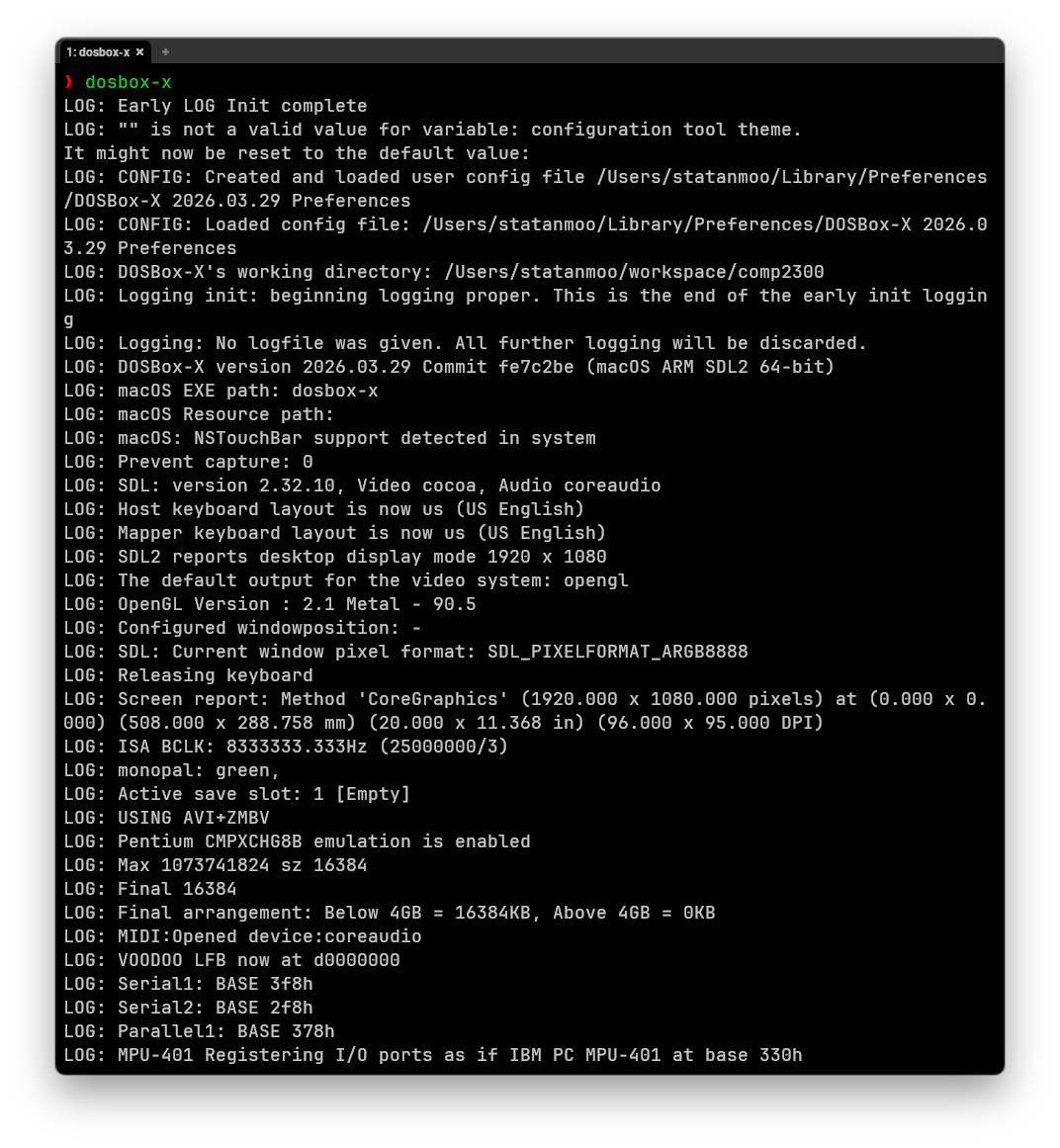 스크린샷의
스크린샷의 CONFIG: Created and loaded user config file... 확인
생성된 preference 파일을 dosbox-x 워킹 디렉토리로 이동
mv ~/Library/Preferences/DOSBox-X\ 2026.03.29\ Preferences <working-directory>옮긴 파일의 이름을 dosbox-x.conf로 변경
dosbox-x 설정 로드 동작
By default, DOSBox-X will first try to load the file dosbox-x.conf (or dosbox.conf) from the current directory, followed by the DOSBox-X program directory. You can specify an alternative directory (instead of the current directory) for DOSBox-X to look for the configuration file with the
-defaultdircommand-line option, such as-defaultdir mydir. If the config file is not found, DOSBox-X will then try to load the configuration file from the user directory according to the platform: …https://dosbox-x.com/wiki/#Home#_dosbox_xs_configuration_file
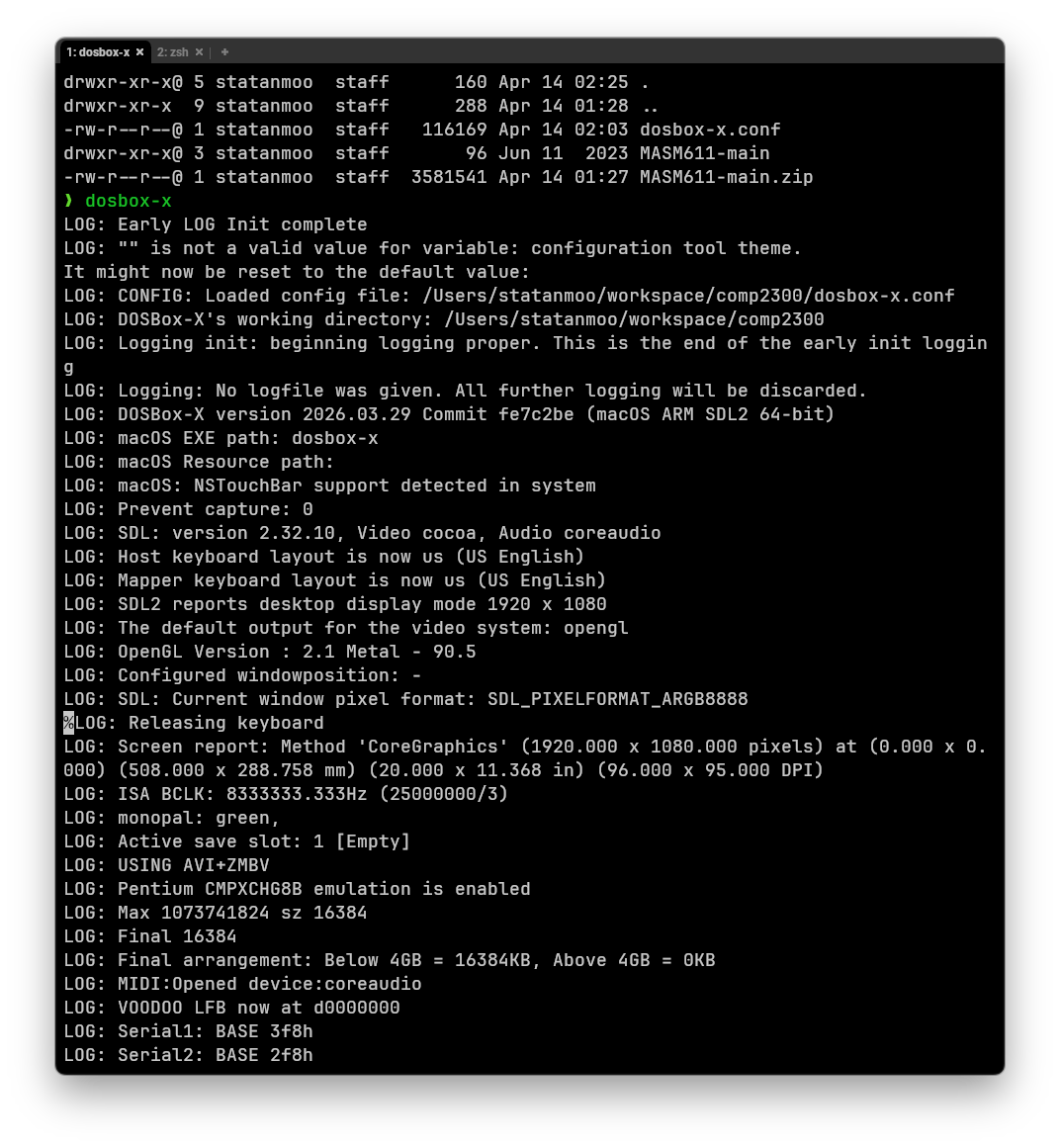 스크린샷의
스크린샷의 CONFIG: Created and loaded user config file... 확인
- 워킹 디렉토리의 dosbox-x.conf에서 읽어오는 것을 확인
<working-directory>/dosbox.conf 수정 (vim 의 /(forward search) 사용하면 편함)
set path =로 시작되는 줄을 찾아 제일 뒤에 다음 텍스트를 추가;T:\MASM611\BIN[autoexec]섹션(제일 아래에 위치)를 찾아 다음과 같이 내 폴더를 에뮬레이터 속에 마운트한다.MOUNT A "<.ASM 파일이 저장된 폴더의 경로>"MOUNT T "<MASM611 git을 클론 받은 폴더의 경로>"
4. 코드 편집
Clion 사용
5. 어셈블 및 실행
5-1 DosBox-X를 실행
dosbox-x5-2 소스 파일이 들어있는 폴더로 이동
# 소스코드가 저장된 폴더가 마운트된 A 드라이브로 이동
A:

# 디렉토리 이동
cd
5-3 빌드
ML /W3 /Zi <source>.asm/W3은 반드시 대문자
5-4 실행
CV MAIN.COM- 어셈블 결과로 나온 .COM 이나 .EXE 파일을 실행
/Zi를 넣으면 CodeView에서 심볼/소스 추적이 쉬워진다.
6. 디버깅
Code View 명령어 소개
6-1. r
레지스터 값 확인
현재 코드 위치는 CS:IP
6-2. u cs:ip
현재 위치부터 디스어셈블
6-3 g
go
다음 중단점까지 실행
6-4 t
trace
한 명령어씩 실행
step into (call 안으로 들어감)
6-5 p
proceed
step over (call 넘어감)
6-6 dump
# d <segment>:<offset>
d ds:0x0100